 バイブス父さんの穴倉
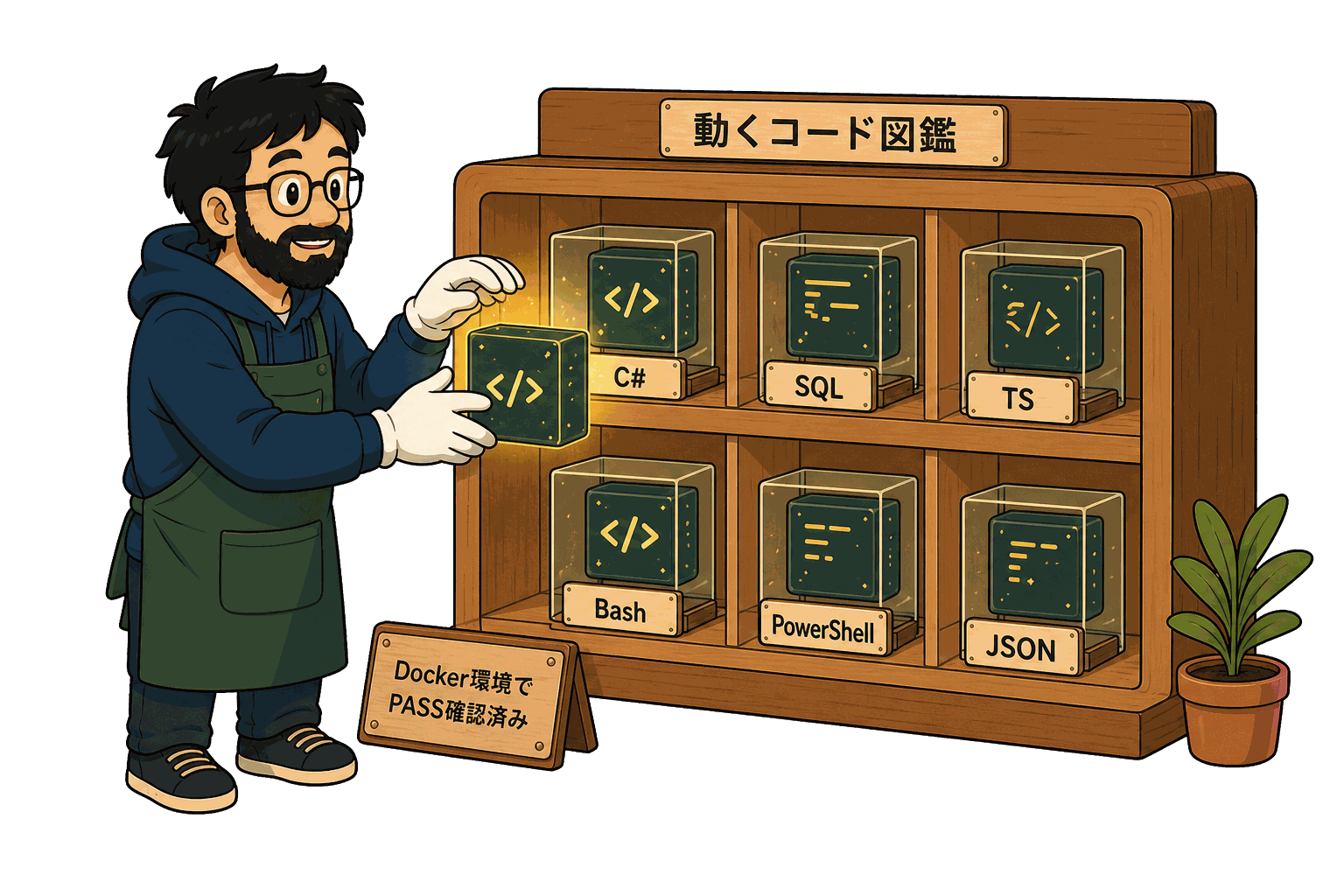
動くコード図鑑
$ ls -1 /library | wc -l → 619
触って動く、検証済みの正解集。
公開記事から抽出した全コードブロックを 1 つずつページ化。 ▶ ボタンで 実行ログを再生し、 さも今動いてるかのように出力を流す。
この図鑑の使い方
言語で絞る
C# / SQL / TypeScript / PowerShell / Bash でフィルタ。
▶ で実行
事前収録の出力を 1 行ずつ再生。 ぱっと結果が見える。
記事と接続
各 snippet は出典記事へのリンク付き。 文脈ごと読める。
絞り込み
snippet 一覧
619 件public class Article { public int id { get; set; } public string title { get; set; } public string body { get; set; }
前提となるMODEL
ASP.NETでControllerにActionLinkを使って引数を渡す方法未収録#99f9d87ee647
    public class Comment
    {
        public int id { get; set; }
        public string title { get; set; }
        public string body { get; set; }
前提となるMODEL
ASP.NETでControllerにActionLinkを使って引数を渡す方法未収録#98f3d29a37ab
        // POST: Comments/Create
        // 過多ポスティング攻撃を防止するには、バインド先とする特定のプロパティを有効にしてください。
        // 詳細については、https://go.microsoft.com/fwlink/?LinkId=317598 を参照してください。
        [HttpPost]
        [ValidateAntiForgeryToken]
前提となるMODEL
ASP.NETでControllerにActionLinkを使って引数を渡す方法未収録#089495951ccd
        // POST: Comments/Create
        // 過多ポスティング攻撃を防止するには、バインド先とする特定のプロパティを有効にしてください。
        // 詳細については、https://go.microsoft.com/fwlink/?LinkId=317598 を参照してください。
        [HttpPost]
        [ValidateAntiForgeryToken]
前提となるMODEL
ASP.NETでControllerにActionLinkを使って引数を渡す方法未収録#5c15e4728f40
@model WebApplication1.Models.Article

@{
    ViewBag.Title = "Details";
}
前提となるMODEL
ASP.NETでControllerにActionLinkを使って引数を渡す方法未収録#33c09141984c
using CarInspection.Data;
using CarInspection.Models;
using CarInspection.Models.ViewModel;
using System;
using System.Collections.Generic;
CarAndInspection
ASP.NETでViewからControllerへ値を投げる方法!未収録#aa03f3003d52
using System;
using System.Collections.Generic;
using System.Linq;
using System.Web;
CarAndInspection
ASP.NETでViewからControllerへ値を投げる方法!未収録#f3f711378e30
using System;
using System.Collections.Generic;
using System.Data;
using System.Data.Entity;
using System.Linq;
InspectionLicense
ASP.NETでViewからControllerへ値を投げる方法!未収録#b21a612f1892
using System;
using System.Collections.Generic;
using System.ComponentModel;
using System.ComponentModel.DataAnnotations;
using System.ComponentModel.DataAnnotations.Schema;
InspectionLicense
ASP.NETでViewからControllerへ値を投げる方法!未収録#65f916f3dc5a
        // GET: InspectionLicenses/Create
        public ActionResult Create(int? ParentCarId)
        {
            if(ParentCarId == null)
            {
DetailsのViewsからGETのCreateへ値を投げる。
ASP.NETでViewからControllerへ値を投げる方法!未収録#abe6c1887ce3
        // POST: InspectionLicenses/Create
        // 過多ポスティング攻撃を防止するには、バインド先とする特定のプロパティを有効にしてください。
        // 詳細については、https://go.microsoft.com/fwlink/?LinkId=317598 を参照してください。
        [HttpPost]
        [ValidateAntiForgeryToken]
GetからPOSTへ値を引き継ぐ
ASP.NETでViewからControllerへ値を投げる方法!未収録#a7744e61223a
        private ActionResult RedirectToCarAndInspectionDetails(int? carId)
        {
            if(carId == null)
            {
                return new HttpStatusCodeResult(HttpStatusCode.BadRequest);
GetからPOSTへ値を引き継ぐ
ASP.NETでViewからControllerへ値を投げる方法!未収録#3ec38c0487a2
// ✅定石1: Action内でユーザー名取得
public class HomeController : Controller
{
    public ActionResult Index()
    {
定石1: Windows認証—最小設定でイントラSSO
業務イントラの認証 — Windows認証 / Forms認証 / Cookie の使い分けで業務SE が踏む選択未収録#e927f6952e5d
// ✅定石2: Login ActionでのCookie発行
using System.Web.Security;

public class AccountController : Controller
{
定石2: Forms認証—フォームログイン+ Cookie
業務イントラの認証 — Windows認証 / Forms認証 / Cookie の使い分けで業務SE が踏む選択未収録#9451e4bcfa68
// ✅定石3: OWIN Startup.csでのCookie認証設定
using Owin;
using Microsoft.Owin;
using Microsoft.Owin.Security.Cookies;
using Microsoft.AspNet.Identity;
定石3: Cookie認証— OWIN + ASP.NET Identity
業務イントラの認証 — Windows認証 / Forms認証 / Cookie の使い分けで業務SE が踏む選択未収録#646899dc7794
// ✅定石4: [Authorize] 属性で認可制御
public class OrderController : Controller
{
    [Authorize]   //ログイン必須(未ログインはLoginUrlにリダイレクト)
    public ActionResult Index()=> View();
定石4: [Authorize]属性で認可制御
業務イントラの認証 — Windows認証 / Forms認証 / Cookie の使い分けで業務SE が踏む選択未収録#37d5f30b5333
// ✅定石5: User.Identityからの情報取得
public class HomeController : Controller
{
    [Authorize]
    public ActionResult Profile()
定石5: User.Identity.Nameでユーザー情報取得
業務イントラの認証 — Windows認証 / Forms認証 / Cookie の使い分けで業務SE が踏む選択未収録#5b90d26c7949
// ✅ WinForms版: Form_Loadで初期化処理
public partial class CustomerForm : Form
{
    private void CustomerForm_Load(object sender, EventArgs e)
    {
対応1: Form_Load ↔ Index()Action
Controller は WinForms の Form_Load 拡張版だと理解する — ASP.NET MVC 5 業務SE 入門未収録#d42b77bc5cba
// ✅ ASP.NET MVC版: Index()Actionで同等の処理
public class CustomerController : Controller
{
    public ActionResult Index()
    {
対応1: Form_Load ↔ Index()Action
Controller は WinForms の Form_Load 拡張版だと理解する — ASP.NET MVC 5 業務SE 入門未収録#dc78e1f93429
// ✅ WinForms版:ボタンクリックでフォーム送信
public partial class SearchForm : Form
{
    private void btnSearch_Click(object sender, EventArgs e)
    {
対応2: btn_Click ↔ POST Action
Controller は WinForms の Form_Load 拡張版だと理解する — ASP.NET MVC 5 業務SE 入門未収録#8e21b9ee15b3
// ✅ ASP.NET MVC版: POST Actionで同等
public class CustomerController : Controller
{
    private readonly ICustomerService _service;
対応2: btn_Click ↔ POST Action
Controller は WinForms の Form_Load 拡張版だと理解する — ASP.NET MVC 5 業務SE 入門未収録#de3edf727181
// ✅ WinForms版: DataSource直接代入
private void Form_Load(object sender, EventArgs e)
{
    var list = new List<CustomerVm>
    {
対応3: DataGridView.DataSource ↔ return View(model)
Controller は WinForms の Form_Load 拡張版だと理解する — ASP.NET MVC 5 業務SE 入門未収録#524489acb479
// ✅ ASP.NET MVC版: return View(model)でModelを渡す
public ActionResult Index()
{
    var list = new List<CustomerVm>
    {
対応3: DataGridView.DataSource ↔ return View(model)
Controller は WinForms の Form_Load 拡張版だと理解する — ASP.NET MVC 5 業務SE 入門未収録#401e976a96e9
// ✅ WinForms版: MessageBox.Showで1行
private void btnSave_Click(object sender, EventArgs e)
{
    customerService.Save(currentItem);
    MessageBox.Show("保存しました");
対応4: MessageBox ↔ TempData + RedirectToAction(PRGパターン)
Controller は WinForms の Form_Load 拡張版だと理解する — ASP.NET MVC 5 業務SE 入門未収録#21597da182e7
// ✅ ASP.NET MVC版: TempData + RedirectToAction(PRGパターン)
[HttpPost]
[ValidateAntiForgeryToken]
public ActionResult Save(CustomerVm model)
{
対応4: MessageBox ↔ TempData + RedirectToAction(PRGパターン)
Controller は WinForms の Form_Load 拡張版だと理解する — ASP.NET MVC 5 業務SE 入門未収録#4a539581dded
// ✅ Step 1:一番シンプル— Helloを返すだけ
public class HelloController : Controller
{
    public ActionResult Index()
    {
ミニマム検証— 3段階の最小Action
Controller は WinForms の Form_Load 拡張版だと理解する — ASP.NET MVC 5 業務SE 入門未収録#5401e74f3850
@* ✅ Razor Viewで正しい書き方 *@
<link rel="stylesheet" href="@Url.Content("~/Content/site.css")" />

@* またはHTMLヘルパー *@
@Styles.Render("~/Content/css")
【サーバーレイヤー】4. ~/Content/site.cssの~/意味を理解しているか
ASP.NET MVC 5 で CSS が効かない時に確認する10項目 — 業務SE が踏むキャッシュとパスの罠未収録#9553d63c34c2
// App_Start/BundleConfig.cs
public class BundleConfig
{
    public static void RegisterBundles(BundleCollection bundles)
    {
【サーバーレイヤー】5. BundleConfig.csの登録漏れ
ASP.NET MVC 5 で CSS が効かない時に確認する10項目 — 業務SE が踏むキャッシュとパスの罠未収録#6f0286134b35
<!DOCTYPE html>

<html>
<head>
    <meta name="viewport" content="width=device-width" />
レイアウトページの再確認
ASP.NETでCSSが効かない時に試したこと未収録#1def26a674dd
// 標準DI (Microsoft.Extensions.DependencyInjection)
var services = new ServiceCollection();
services.AddTransient<IRepository, SqlRepository>();
services.AddScoped<IOrderService, OrderService>();
判断軸3: 登録の書き味 — 同じことを3つで書き比べる
ASP.NET の DIコンテナ Autofac / Unity / 標準DI を業務SEが選ぶ3つの判断軸未収録#f00d0a818bea